
In order to select a product when marking up a photograph in “Treatment Photos”, the relationship between products and treatments needs to be established.
This is done on the Control Centre -> Stock -> Treatments page.
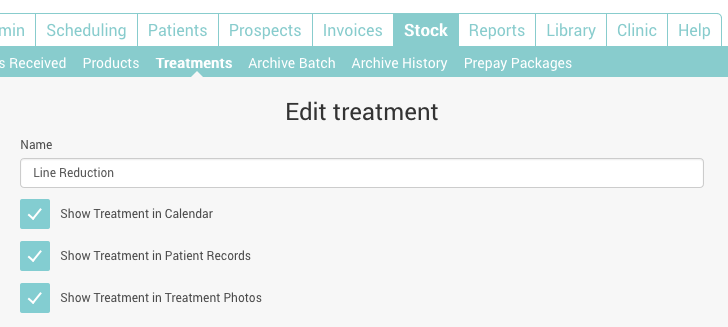
Select the treatment you wish to associate products with, and in the section entitled ‘Add Treatment Product’ select the products used in the treatment.
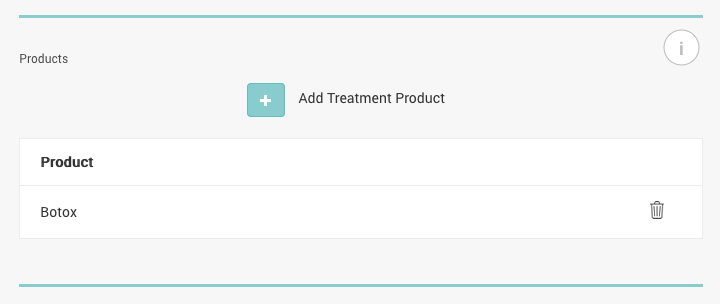
Products associated with treatments will be selectable under Treatment Photos on the Practitioner App when that treatment is selected.