
Patient mode can be managed from the Control Centre, where you can change your PIN and welcome messages.
- From the menu drawer, select the “Set Up” Option
- Select “Profile”
- The Patient Mode options begin about half way down the page.
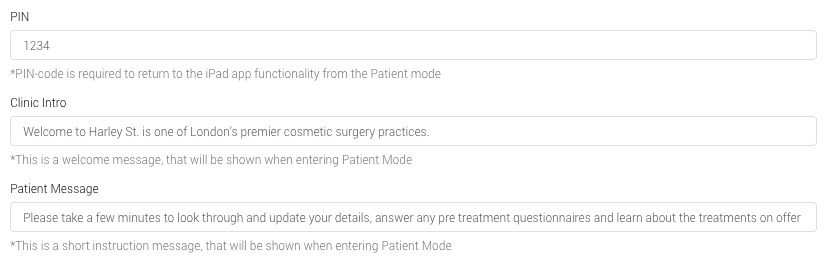
- PIN The pin number required to exit Patient Mode can be changed from here
- Clinic Intro Personalise the Patient Mode explanation message for patients
- Patient Message Personalise the welcome message your patient will be greeted with once you enter Patient Mode
- Once completed, press the ‘Save’ button.