
Practitioner working hours can be displayed on the calendar, greying out hours when not working. This reduces the need to use repeat blockers and makes working hours visible at a glance.
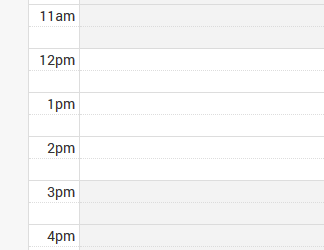
Assigning Practitioners working hours can be done from the Control Centre.
- Select ‘Settings’ from the bottom of the menu drawer followed by ‘Team’
- Select the practitioner you wish to edit
- On the ‘Edit Team Member’ page, make sure the role of the user is set to ‘practitioner’
- Toggle the Online Booking Availability to on
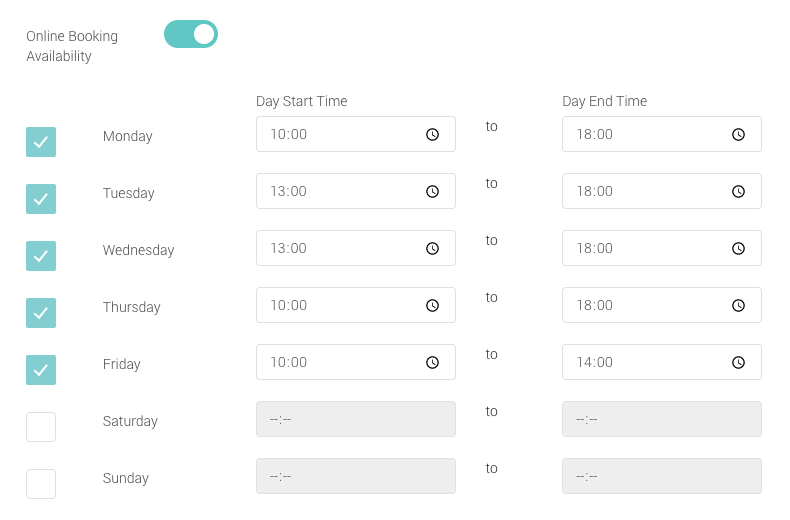
- Tick the appropriate working days and select the start and end times of each of those days.
- Once completed, click on ‘Save’