
You can add your Logo and personalised background image to the Practitioner Application via the Control Centre.
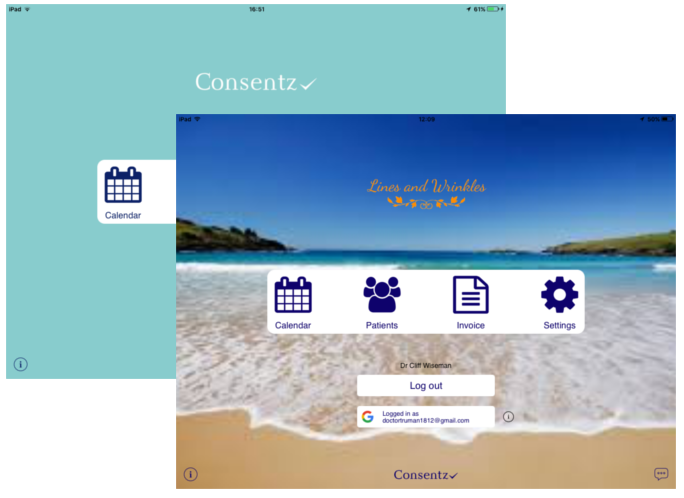
- From the Control Centre, select the ‘Set Up’
- Select “Branding”
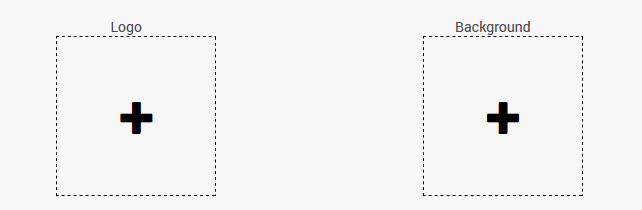
- Company Logo 512×512 image of your Company Logo. For optimum result, make the background of the logo transparent.
- Background Image 1024×768 or greater depending on your iPad model.
- Click on either of the two image tiles.
- You will be asked to select a file from your computer.
- You can select any .png or .jpg image file, although for best results, matching the size requirements is advised.
- Once you have completed your selections, click the ‘Save’ button.
Branding images can be updated or deleted by selecting the icons that appear when moving the mouse cursor over the image.