
A quote can be added to the Patient Account from within the Control Centre.
Quotes are identical to invoices in form, but do not affect clinic accounts – they sit on the Patient record as the possibility of future work.
A Quote, once created, can be converted into an invoice.
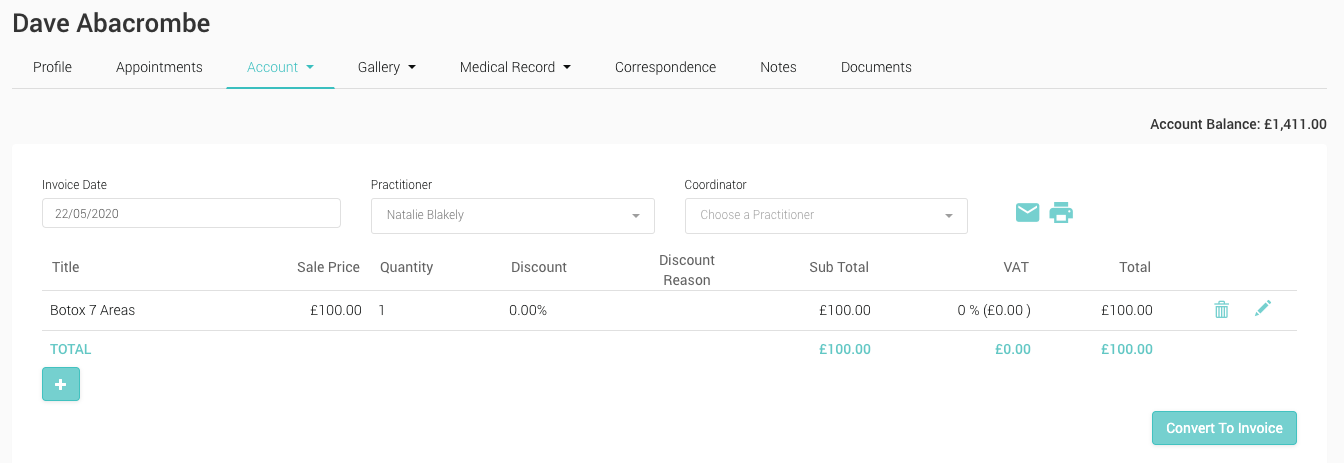
Adding a Quote
- From the Control Centre, select a patient and navigate to their ‘Account’ menu
- Select ‘View/Add to Account’
- Select ‘+QUO’
- In the same way as creating an invoice, select a Price List item and apply any required discounts
- Click ‘Save’
- The Quote will be assigned a unique number, and be stored against the Patient account
- Quotes can be converted to Invocies by clicking the ‘Convert to Invoice’ button