The Consentz Calendar requires a Google Account to record and display Appointments. You can log in to your Google account from the Home Screen.
- From the Home Screen, tap the “Log in to Google Calendar” Option, towards the bottom of the screen.

- You will be taken to a Google log in screen.
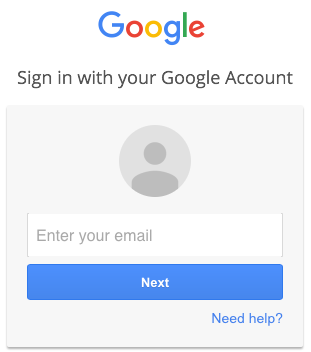
- Enter the email address of the account with which you will manage your clinic’s diary.
- Enter the required password.
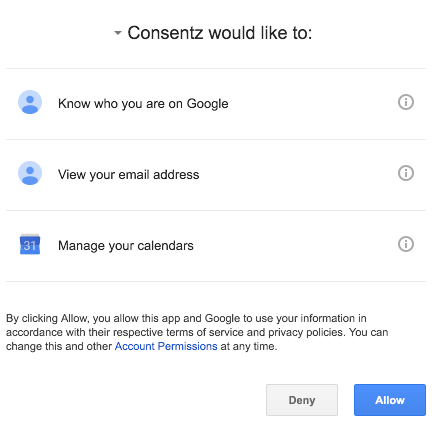
- When asked “Consentz would like to…” tap the “Allow” button. This gives permission for the Consentz Practitioner Application to interact with your Google Account.
- You will be returned to the Home Screen
- If successfully logged in, the Google Username will be displayed towards the bottom of the Home Screen.